








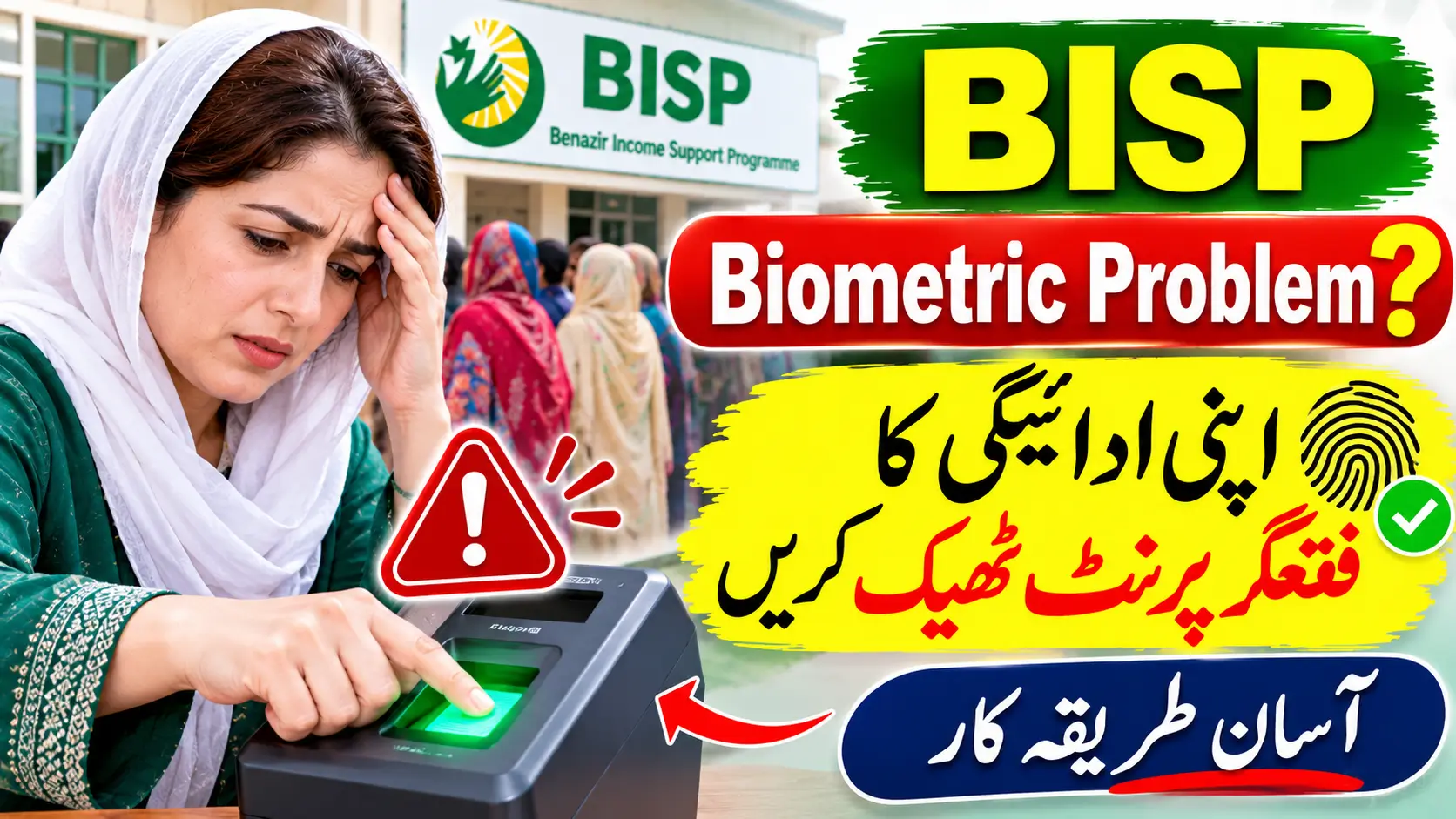
You reached the payment point, your CNIC is in hand, and the machine refuses your thumbprint. This is the most common BISP payment problem in Pakistan, and in most cases it has a simple fix. This guide explains why biometric verification fails and what to try, step by step, before you leave the payment point.
Why Your Biometric Fails
Biometric verification compares your live thumbprint with the fingerprint NADRA stored when your CNIC was made. The match fails when the print on record is old, your fingers are dry, cracked, or worn from manual work, the scanner is dirty, or your NADRA record was never updated after a CNIC renewal. The machine does not know the reason — it only says no match.
A failed attempt is not a blocked payment. Your Rs. 14,500 payment for October to December 2026 stays in the system. The problem is only the verification step, and it can be retried.

Biometric Fix Flowchart
Follow these steps in order. Stop at the step that works.
- Step: What to do
- Clean and warm your hands: Wash and dry your hands, rub them together, and try again
- Try another finger: Use the other thumb, then an index finger
- Ask for a clean scanner: Wipe the scanner glass and try once more
- Try a different payment point: Another retailer’s machine may read better
- Visit the BISP Tehsil office: Staff can check your record and guide the next step
- Update fingerprints at NADRA: If the record is old or damaged, re-register your prints
What to Carry When You Go
Always carry your original CNIC. A photocopy does not work for biometric verification. If your CNIC is expired, renew it first — an expired CNIC can also block verification. Carry your registered mobile number too, because payment SMS and helpline calls use it.

When NADRA Is the Real Problem
If your thumbprint fails at every machine, the problem is usually your NADRA record. Fingerprints fade with age and hard manual work. Visit your nearest NADRA office, ask for fingerprint re-registration, and carry your CNIC. After the record is updated, wait for the confirmation message before trying the payment again.
Do not pay anyone who promises to “fix” your biometric record for a fee. NADRA and BISP services for this are free or carry only the official NADRA fee. Anyone asking for extra money is not helping you.

What the Tehsil Office Can Do
Your BISP Tehsil office can check whether your payment is released, whether your record needs a dynamic survey update, and whether your case needs NADRA verification. Go in person with your original CNIC. There is no online biometric fix and no one can solve it for you over the phone.
Frequently Asked Questions
Why does my thumbprint fail at the BISP payment point?
Usually dry or worn fingers, a dirty scanner, or an old NADRA fingerprint record. Try clean hands, another finger, and another machine first.

Is my payment lost if biometric verification fails?
No. The payment stays in the system. Only the verification step failed, and it can be retried after the record is fixed.
Can someone else collect my payment with their fingerprint?
No. Biometric verification must match your own CNIC record. Never give your CNIC to an agent for this.

Where do I update my fingerprints?
At your nearest NADRA office. Carry your original CNIC and ask for fingerprint re-registration.
Conclusion
Most biometric failures are fixed by clean hands, another finger, or a different machine. If the failure repeats everywhere, your NADRA fingerprint record needs updating. Your payment is safe while you fix this — do not pay any agent, do not share your OTP, and call the free helpline 0800-26477 if a payment point refuses to help.