









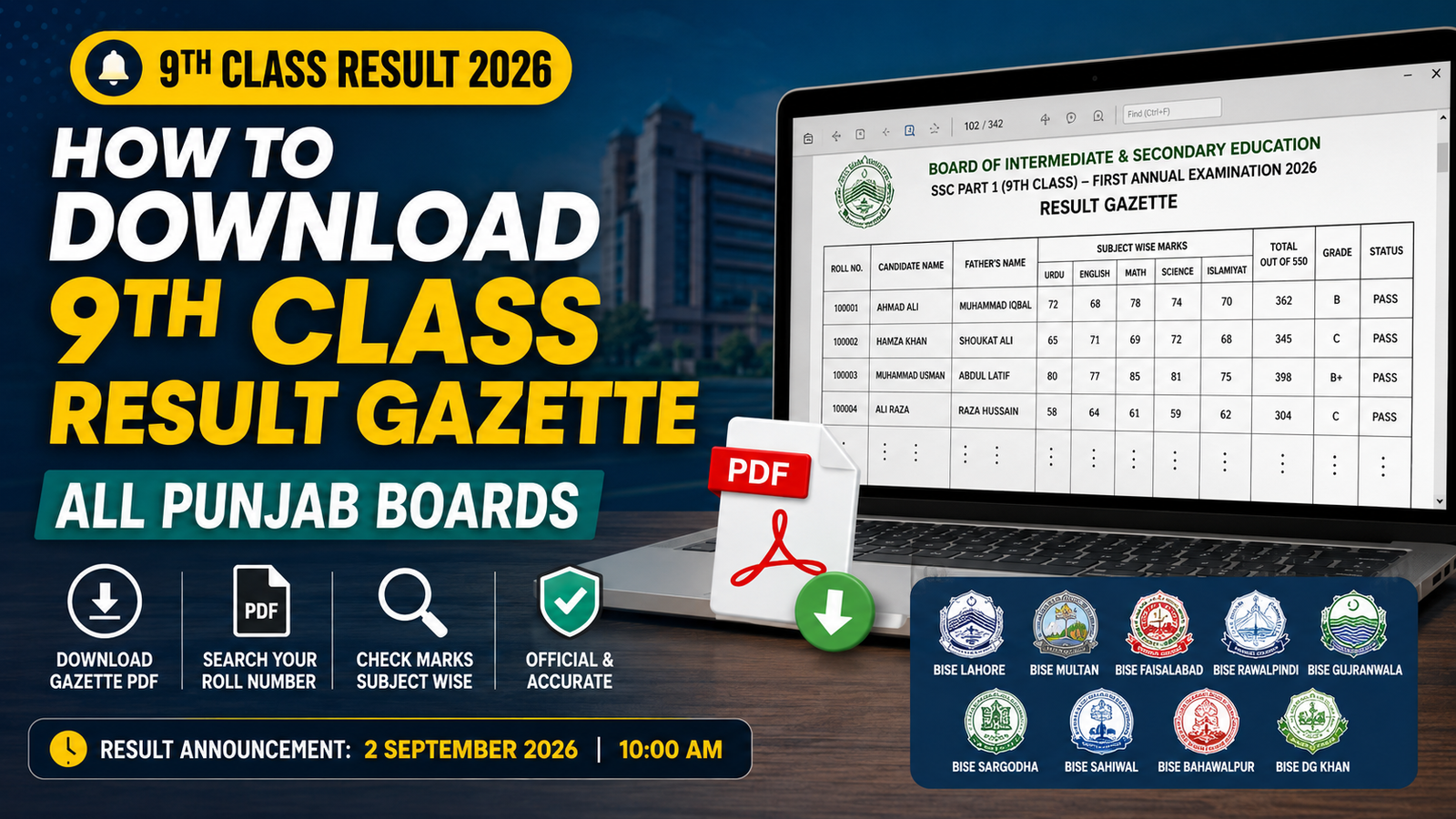
If you’re a student, parent, or teacher trying to check the 9th class (SSC Part 1) result for a whole class or school rather than one roll number at a time, the board gazette is the tool for the job. Here’s a complete, no-fluff walkthrough — what it is, when it lands, and exactly how to use it once it’s on your phone or laptop.
Today’s Result Timeline
The nine Punjab boards don’t announce on their own schedule — they all move together under the Punjab Boards Committee of Chairmen (PBCC), which sets one common date and time for every board in the province.
- Result announcement: 2 September 2026, 10:00 AM
- Gazette PDF upload: roughly 30–45 minutes after the announcement, board by board
- Marks out of: 550 (SSC Part 1)
Because every board announces at once, the first half hour after 10 AM is when result websites are slowest — which is precisely when a gazette download saves the most time.
Step-by-Step: Getting Your Board’s Gazette
Step 1 — Confirm which board you belong to. This sounds obvious, but it’s the single most common mistake. A roll number only exists inside its own board’s records, so downloading DG Khan’s gazette when you sat your exam under Multan Board gets you nowhere.

Step 2 — Go to that board’s dedicated page. Each of the nine boards — Lahore, Multan, Faisalabad, Rawalpindi, Gujranwala, Sargodha, Sahiwal, Bahawalpur, and DG Khan — publishes its own separate file. There is no single combined Punjab-wide PDF.
Step 3 — Wait for the “first annual 2026” tag. Boards often leave last year’s gazette live on the same page until the new one replaces it. Check the label carefully before downloading — you want the 2026 first annual SSC Part 1 file, not a leftover from a previous session.
Step 4 — Download and open. The file can run to several hundred pages for a large board, so give it a moment on a slower connection rather than assuming the download stalled.

Step 5 — Search instead of scroll. Use your device’s built-in search (Ctrl+F on desktop, the search icon inside your PDF viewer on mobile) and type the roll number directly. Scrolling through a 300-page PDF by eye is the slow way to do this.
Availability by Board
| Board | Exam | Gazette |
|---|---|---|
| BISE Lahore | SSC Part 1, 2026 | Live after 10:00 AM |
| BISE Multan | SSC Part 1, 2026 | Live after 10:00 AM |
| BISE Faisalabad | SSC Part 1, 2026 | Live after 10:00 AM |
| BISE Rawalpindi | SSC Part 1, 2026 | Live after 10:00 AM |
| BISE Gujranwala | SSC Part 1, 2026 | Live after 10:00 AM |
| BISE Sargodha | SSC Part 1, 2026 | Live after 10:00 AM |
| BISE Sahiwal | SSC Part 1, 2026 | Live after 10:00 AM |
| BISE Bahawalpur | SSC Part 1, 2026 | Live after 10:00 AM |
| BISE DG Khan | SSC Part 1, 2026 | Live after 10:00 AM |
(Swap the “Live after 10:00 AM” column for direct download buttons once each board’s PDF is actually posted.)
What You’ll See on Each Gazette Page
Layouts vary slightly, but a typical entry gives you:

- Roll number
- Candidate name and father’s name
- Marks per subject
- Total marks (out of 550)
- Pass/fail status and grade
- School or institution name
Entries run in roll-number order, not alphabetical, so if you only have a student’s name and not their roll number, the gazette is much slower to use — it’s worth pulling roll numbers from school records ahead of time if you’re checking for a group.
Who Actually Uses the Gazette (and Why)
- Schools pull an entire batch’s results from one file instead of running dozens of individual searches on the board site.
- Parents use it as a backup when the online portal is overloaded right after the announcement.
- Students use it to double-check their own marks against what they expected, subject by subject, rather than just seeing a pass/fail summary.
Common Questions
Do I need to wait exactly 45 minutes after 10 AM?
Not exactly — some boards post faster than others. Treat 30–45 minutes as a realistic window rather than a fixed countdown, and check back if the file isn’t there yet.

The gazette shows different marks than I expected — what should I do?
Don’t act on the gazette alone if something looks wrong. Verify directly through the board’s official result system, and if the discrepancy holds up, raise it with your school or the board’s examination branch.
Can I use the gazette PDF for admission or scholarship purposes?

No — it’s meant for quick checking. Formal processes will ask for the result confirmed via the board’s official portal or a proper transcript/certificate.
What if the PDF won’t open on my phone?
Try a dedicated PDF reader app instead of the browser’s built-in viewer, or download it on a computer first if one’s available — large gazette files sometimes struggle in lightweight mobile browsers.
Is there one gazette that covers all of Punjab?
No. Each board — all nine of them — releases its own separate file. You always need the one matching your specific board.